





AI has moved from experimentation into budgeted operations. Teams are no longer only asking whether an AI feature works. They are asking who is using it, where the cost is coming from, which workflows create value, and when usage needs a human approval gate.
That shift changes the UX problem. AI spend controls cannot live as a hidden billing setting that finance discovers at the end of the month. In enterprise SaaS, AI governance needs to become a visible operating surface for admins, finance, IT, product leaders, and the teams doing the work.
The products that win trust will not simply show a bigger invoice. They will show how AI usage turns into work, cost, risk, and decisions.
Why AI Spend Is Now a UX Problem
The market signal is clear: enterprise AI is becoming a managed system, not a side experiment. OpenAI is pushing enterprise plans and admin controls, Stripe keeps showing how AI changes payment and commerce behavior, and large organizations such as Samsung are rolling AI tools into real employee workflows. Once AI reaches that level, “usage” becomes a product-management and operations problem.
A finance team may care about budget drift. IT may care about policy and access. Product leaders may care about feature adoption. Team managers may care about workflow value. End users may only care that the tool helps them finish work faster. A good AI governance interface has to translate the same usage data for all of them.
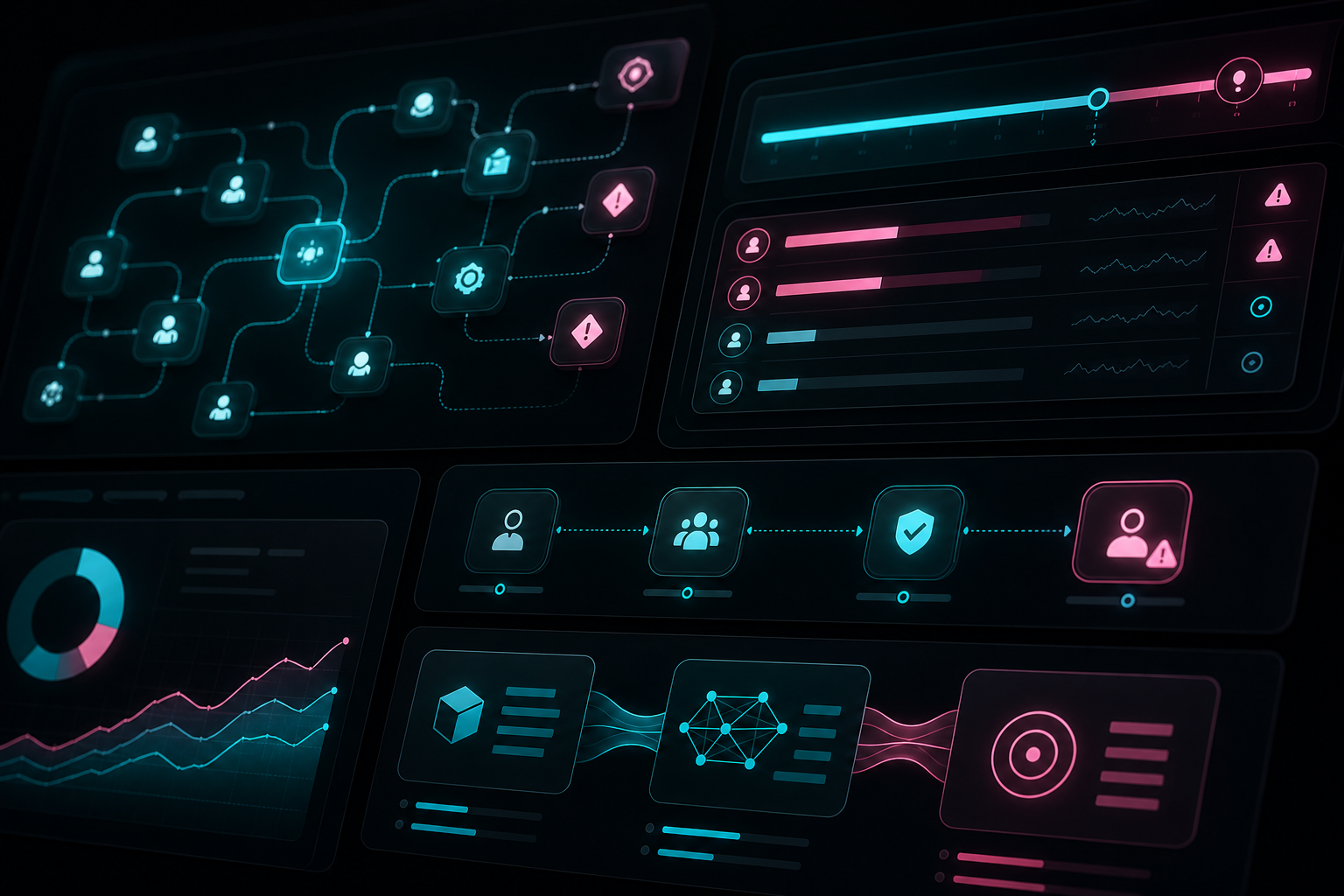
That is why AI spend governance is not only a billing feature. It is dashboard UX.
The Old Pattern: Hidden Billing After the Damage
Most SaaS billing pages are designed around subscription management: seats, invoices, payment method, plan limits, and maybe a usage chart. That pattern breaks down when AI costs can vary by model, workflow, team, automation frequency, data volume, and agent behavior.
If the only governance surface is an invoice, the product is forcing the customer to react after the cost has already happened.
- Admins cannot see which team caused the spike.
- Finance cannot separate useful automation from waste.
- Product leaders cannot connect spend to outcomes.
- Users do not know when their workflow is approaching a limit.
- Approvers only appear when something has already gone wrong.
For AI products, this creates a trust gap. The user experiences AI as magic; the buyer experiences it as variable cost. The interface has to reconcile both.
What an AI Spend Governance Dashboard Should Show
A strong AI spend governance dashboard should answer seven practical questions.
1. Usage by team and workflow
Do not stop at total tokens, credits, or calls. Show where AI is being used: support summaries, sales research, coding assistance, compliance review, procurement automation, data analysis, or internal operations. Spend becomes understandable when it is tied to work.
2. Budget thresholds and alerts
Teams need thresholds before they need invoices. The product should show monthly budget, current pace, projected end-of-period spend, and alert levels. Good alerts explain the driver, not just the number.
3. Exception queues
When usage crosses a rule, the next state should be review, not chaos. Exceptions might include unusual spikes, new workflow types, high-cost model usage, repeated failed runs, or agent actions outside policy.
4. Cost-to-outcome mapping
Enterprise buyers will not approve AI spend forever because it looks innovative. They need to see what the spend produced: resolved tickets, drafted reports, reviewed contracts, completed analyses, generated leads, shipped code, or reduced manual hours.
5. Risky spikes and anomaly states
A spike is not always bad. It may represent a successful rollout. But the interface should distinguish healthy adoption from risky drift: unexpected team, unusual model, policy bypass, runaway automation, or workload that should require approval.
6. Approval flows
AI governance needs action paths: approve a higher budget, pause a workflow, require review for a team, downgrade a model, route a request to finance, or ask the workflow owner for justification.
7. Executive summary layer
Leadership does not need every event. They need a clean summary: where AI is creating value, where spend is drifting, which teams need enablement, and which controls changed this period.

Design the Governance States, Not Just the Chart
The common mistake is treating AI spend governance as one dashboard chart. In practice, it is a state machine.
- Normal usage: the team is within budget and usage matches expected workflows.
- Approaching limit: projected spend is drifting and the product warns the owner early.
- Exception detected: a spike, policy mismatch, or unusual workflow requires review.
- Approval needed: a human must approve more budget, a higher-cost model, or a new automation path.
- Paused or limited: the product protects the account while preserving explainability.
- Reviewed and resolved: the decision, reason, and owner are stored in the audit trail.
This is where UX directly affects business trust. A clean governance state tells the customer what is happening, why it matters, and what to do next.
The Business Case for Visible AI Spend
Invisible AI cost creates three problems for enterprise products.
- Adoption slows because buyers fear uncontrolled spend.
- Support load increases because teams cannot explain usage changes.
- Expansion becomes harder because finance sees variable cost without enough value context.
Visible governance does the opposite. It helps teams adopt AI with confidence because limits, approvals, exceptions, and value are visible before the renewal conversation.
For product teams, the lesson is simple: if AI is becoming part of the operating system, the UX around cost and control has to become part of the product experience.
Heeeper’s Take
AI spend governance should not feel like an accounting afterthought. It should feel like an enterprise control surface.
The best AI products will help teams understand usage by workflow, catch budget drift early, review exceptions, approve risky actions, and explain value to leadership. That is not only better finance hygiene. It is better product UX.
If your AI feature is becoming an operational system, Heeeper can help design the dashboards, controls, and workflows around it. Explore the Heeeper portfolio or book a product UX consultation.